Book Downloads
Jess's Coding Adventure, Book 1
Space Turtle Chomp
Everything you need to build the game from the book. Download the Python files, sounds and space backgrounds, put them all in the same folder, and you're ready to go!
🐍 Python Game Files
turtlegame.py
The main game file: Chomp vs Crunch, biscuit hunting, boundary checking, score tracking and a countdown timer. This is the version built chapter by chapter through the book.
Python
⬇ Click to download
gameturtle.py
The refactored version of the game, same gameplay, but with each section organised into its own function. Great for learning how to tidy up code once it works.
Python
⬇ Click to download
🔊 Sound Effects
chomp.mp3
The chomping sound that plays every time your turtle gobbles up a biscuit. Make sure this file is in the same folder as your Python game file.
MP3 Sound
⬇ Click to download
bounce.mp3
The bouncing sound that plays when a turtle or biscuit hits the wall and turns around. Keep this in the same folder as your Python game file.
MP3 Sound
⬇ Click to download
chomp.wav
The same chomping sound for Windows computers, which play .wav files. Save it in the same folder as your Python game file.
WAV Sound
⬇ Click to download
bounce.wav
The same bouncing sound for Windows computers. Keep it in the same folder as your Python game file.
WAV Sound
⬇ Click to download
Mac or Windows? Sounds play on a Mac (using the .mp3 files) and on Windows (using the .wav files). Download all four and the game picks the right ones.
🌌 Space Backgrounds
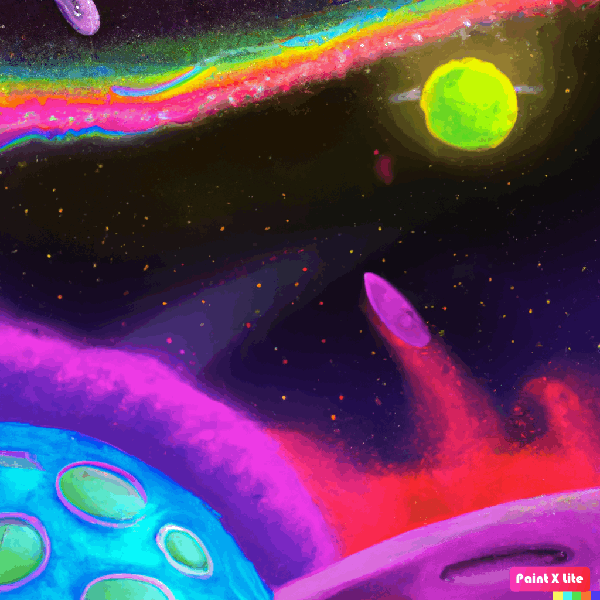
space-bg.gif
The colourful painted space background used in turtlegame.py. Vivid planets, nebulas and star fields, perfect for a space turtle adventure.
GIF Image
⬇ Click to download
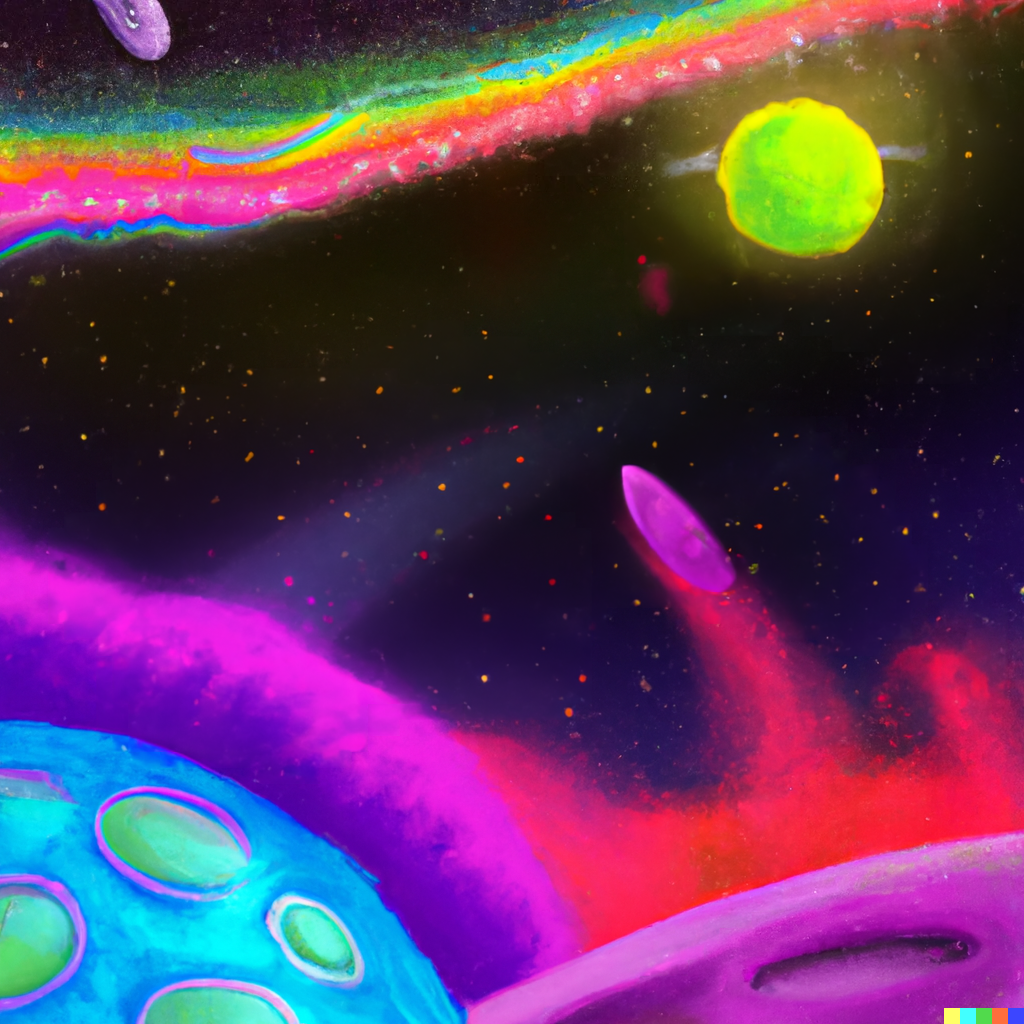
space-bg.png
The same space background in higher-resolution PNG format. Use this if you want a crisper image or to customise your game.
PNG Image
⬇ Click to download
kbgame-bg.gif
An alternate space background with a starfield look, used in the refactored gameturtle.py. Try swapping it in to give your game a different feel.
GIF Image
⬇ Click to download
🚀 How to Get Started
Setting up your game folder
- Create a new folder on your computer, call it something like
SpaceTurtleChomp - Download all the files above and save them into that folder
- Open IDLE (it comes with Python, search for it on your computer)
- In IDLE go to File → Open and open
turtlegame.pyfrom your folder - Press F5 or go to Run → Run Module to start the game
- Use the Left and Right arrow keys to steer Chomp, and Up to go faster
Important: all nine files must be in the same folder. If the sounds or background are missing, Python won't find them and the game will show an error. When in doubt, download everything and keep it together.
Don't have Python yet? Download it for free at python.org/downloads. Install it with the default settings and IDLE will be included automatically.